Problem
People with disabilities comprise one-sixth of the 2016 electorate and face many challenges within the voting process, including a lack of accessible voter registration methods, unaccessible candidate and issue information, difficulty getting to/from polling locations, discrimination from poorly trained polling workers or inadequate access to voting machines, and more. As a result of these issues, voter-turnout rates among people with disabilities are significantly lower than those without disabilities.
Solution
Brink is an election guide that aims to simplify the voting process for people with disabilities. We empower all demographics to participate in the elections and ultimately seek to help increase voter turnout and engagement in our democracy. With the voting guide, millions of Americans, with and without disabilities, can easily navigate the entire voting process and stay engaged between election cycles with the issues and representatives that matter most to them.
Design
Since this election guide is built on the foundation of accessibility, we sought out feedback from stakeholders by presenting to reputable professionals and conducting user research with relevant audiences. Throughout the first half of development, we met with the Accessible Information Technology Group at UIUC to showcase our initial designs and iterate based on their valuable feedback.
In the latter half, we worked alongside the Center for Vision and Population Health to demo our election guide to blind and low-vision. Getting our website in front of real users gave us a great opportunity to receive tangible feedback that we incorporated back into development to improve our user experience.
Tech Stack
Brink is a progressive web application that is built on React, TypeScript, and Chakra UI. We chose Chakra UI in particular because of its focus on accessibility. To retrieve election data that is tailored to the user’s location, we interface with a variety of external APIs such as Ballot Ready and Google Civic. We also use Contentful to pull information that Brink offers, such as guides to resolve voter FAQs and polling place issues.
Features
Voting Checklist
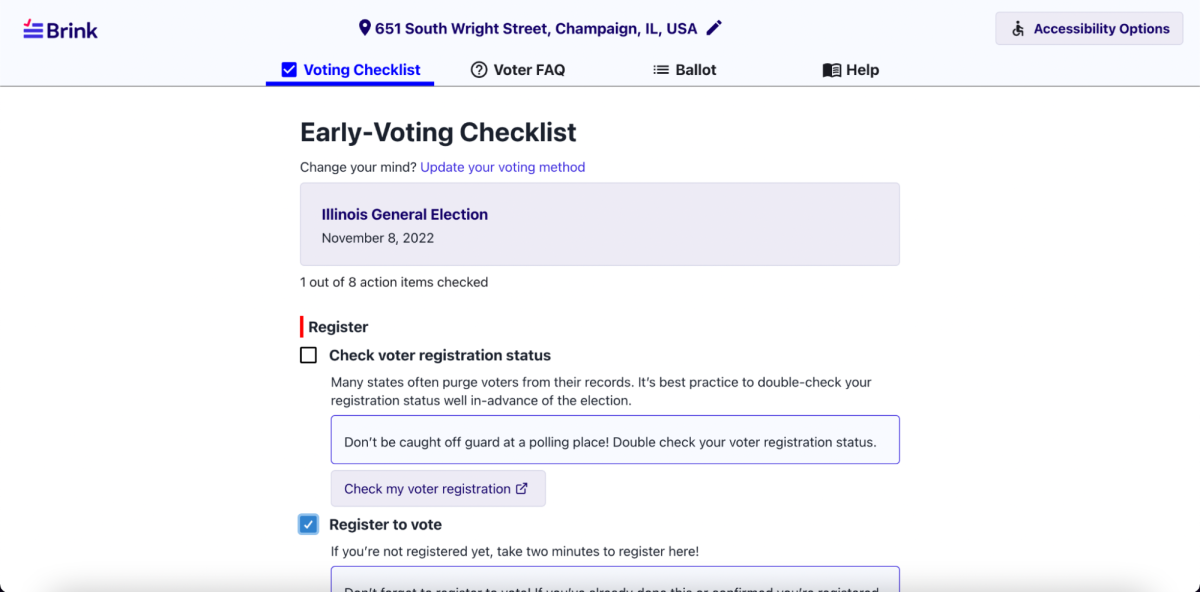
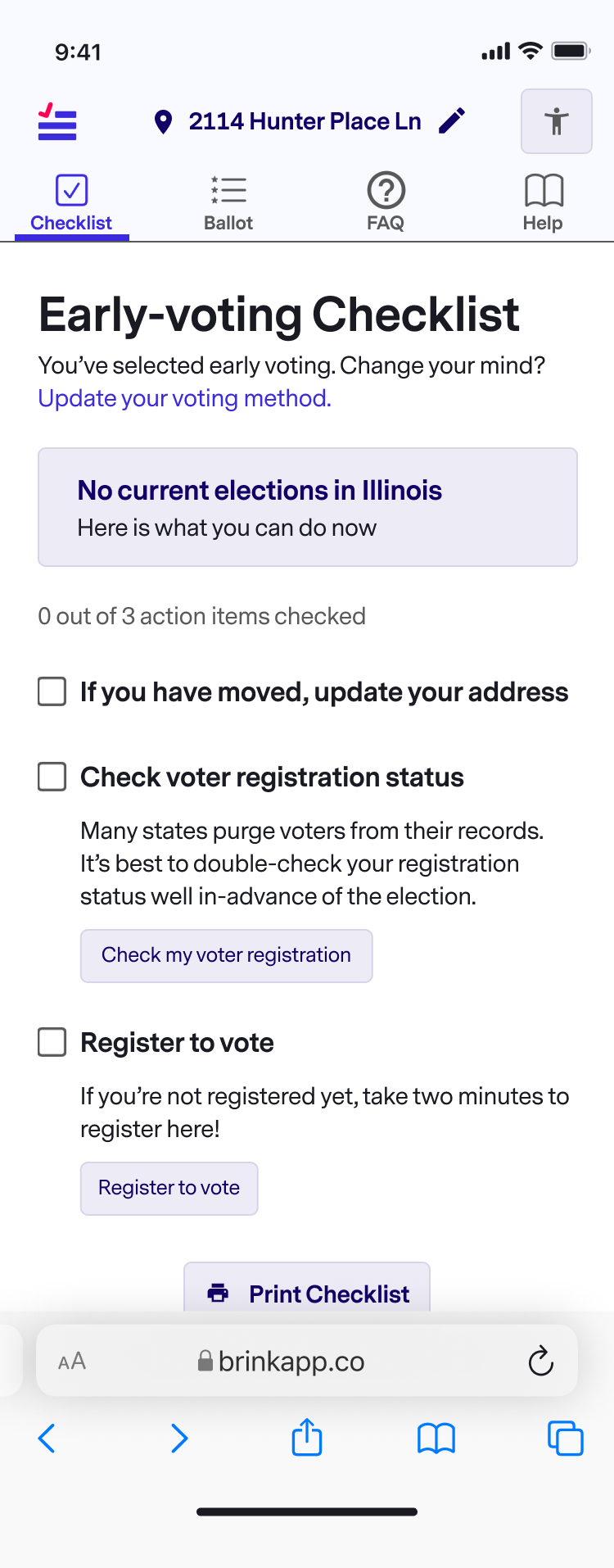
The voting checklist allows voters to keep track of where they are in the voting process. It links to their local voter registration site to register or check their voter status, lists nearby polling locations, and much more!
Ballot
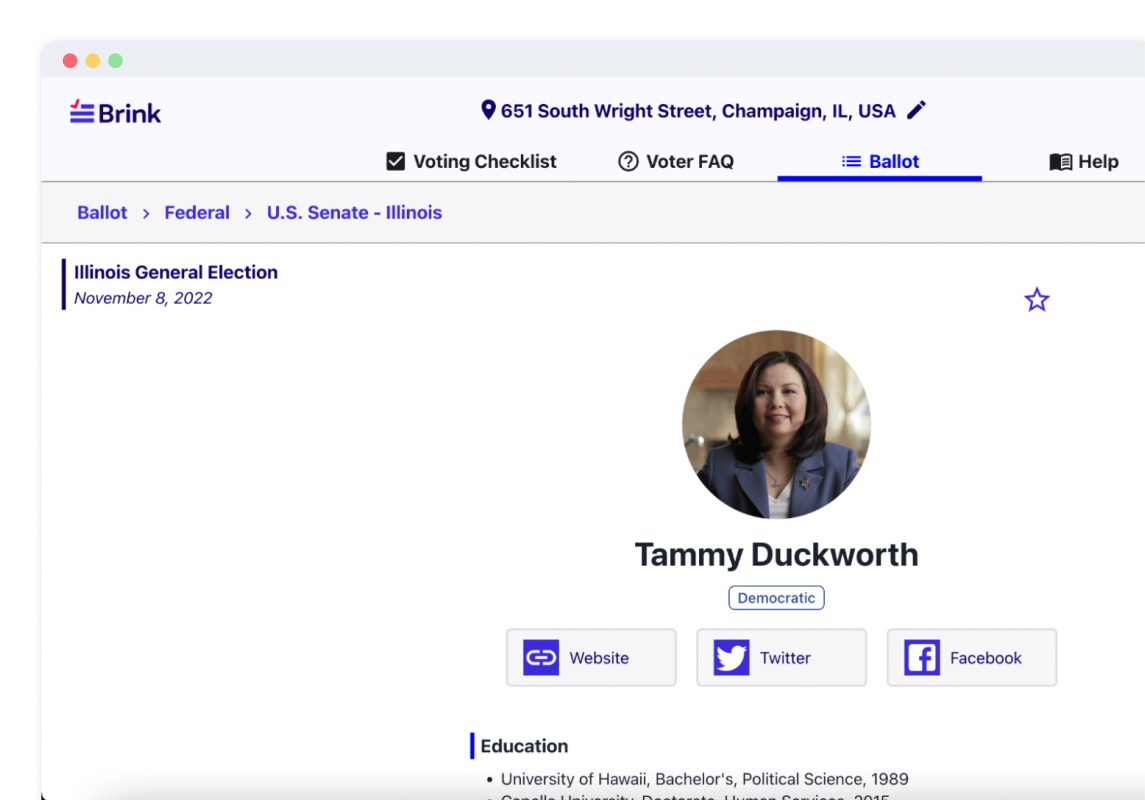
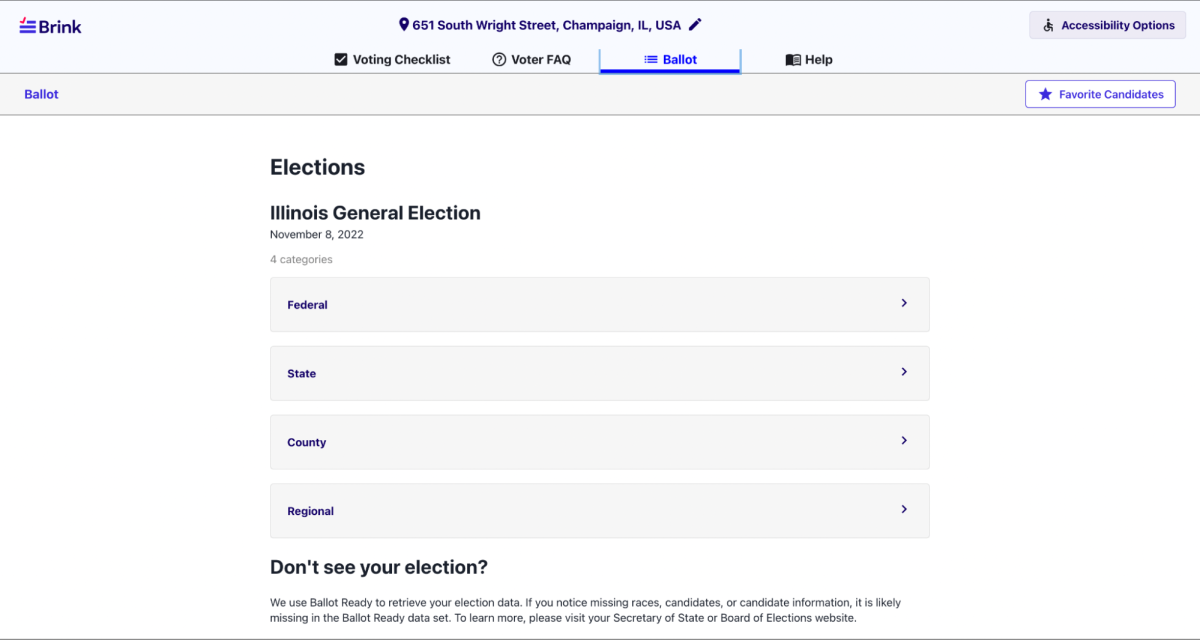
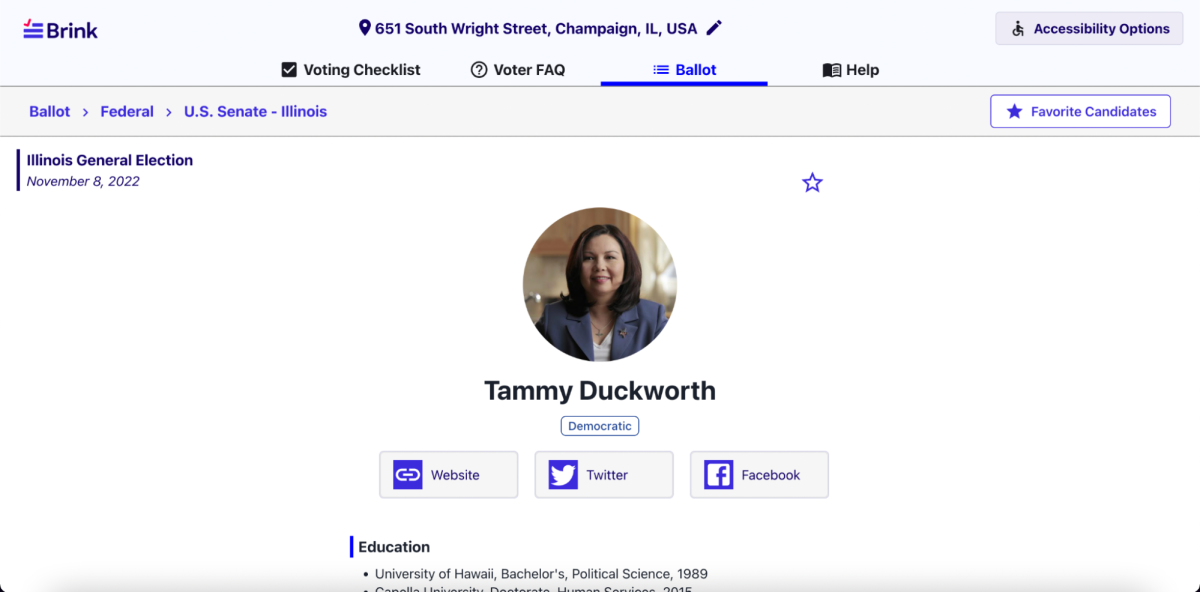
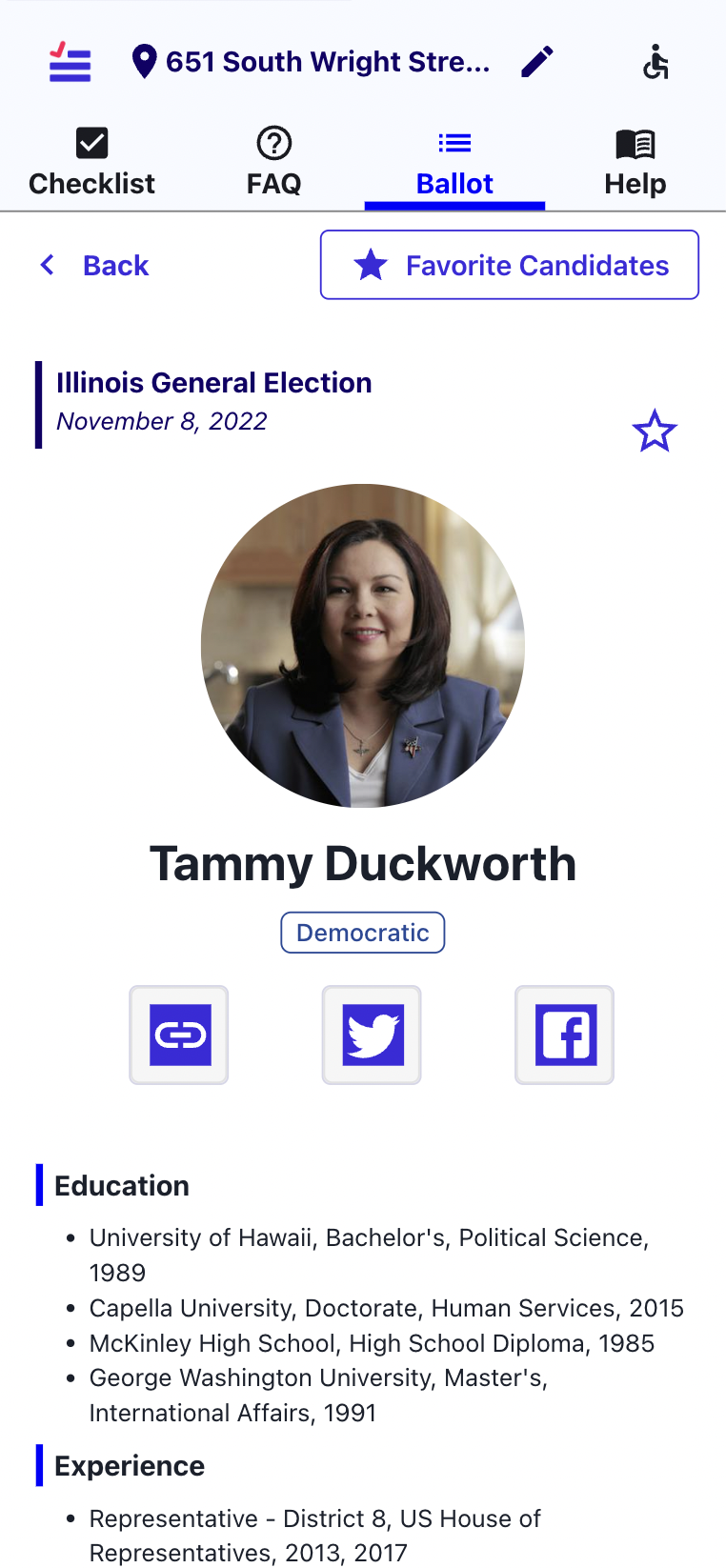
Voters can navigate from the ballot directory to the candidate page, which displays candidate information and a way to favorite a candidate. Political affiliation, links to a candidate’s personal website and social media, education, and related experience is shown. Additionally, groups which endorse the candidate are bucketed in dropdowns labeled by the political issue those groups advocate for (i.e. Illinois Federation of Teachers under Labor Organizations).
Voter FAQs
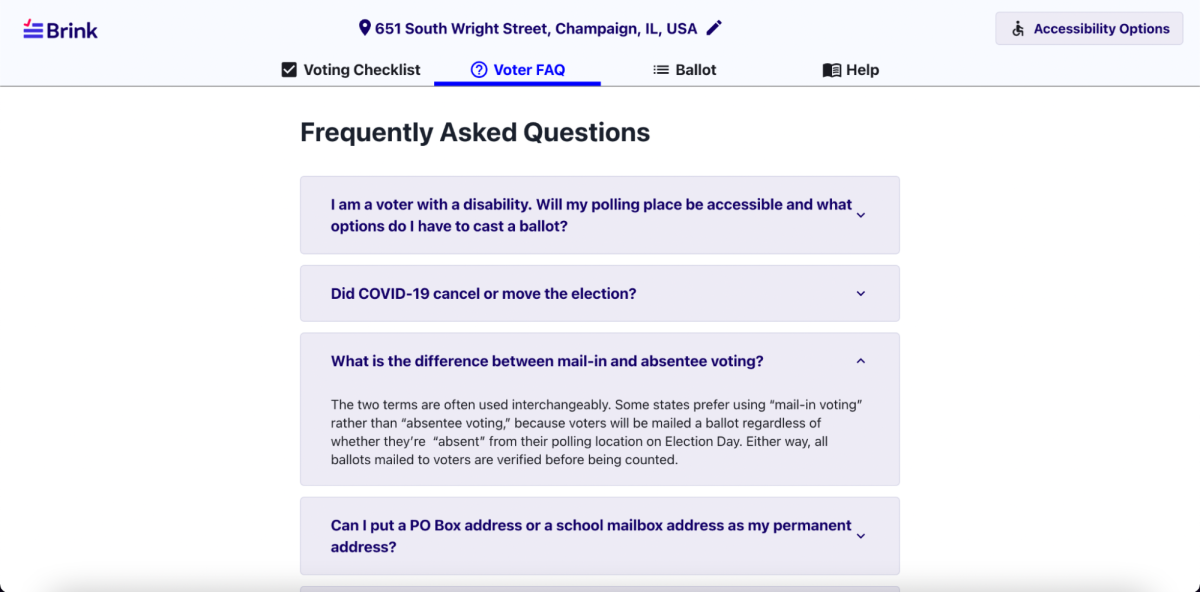
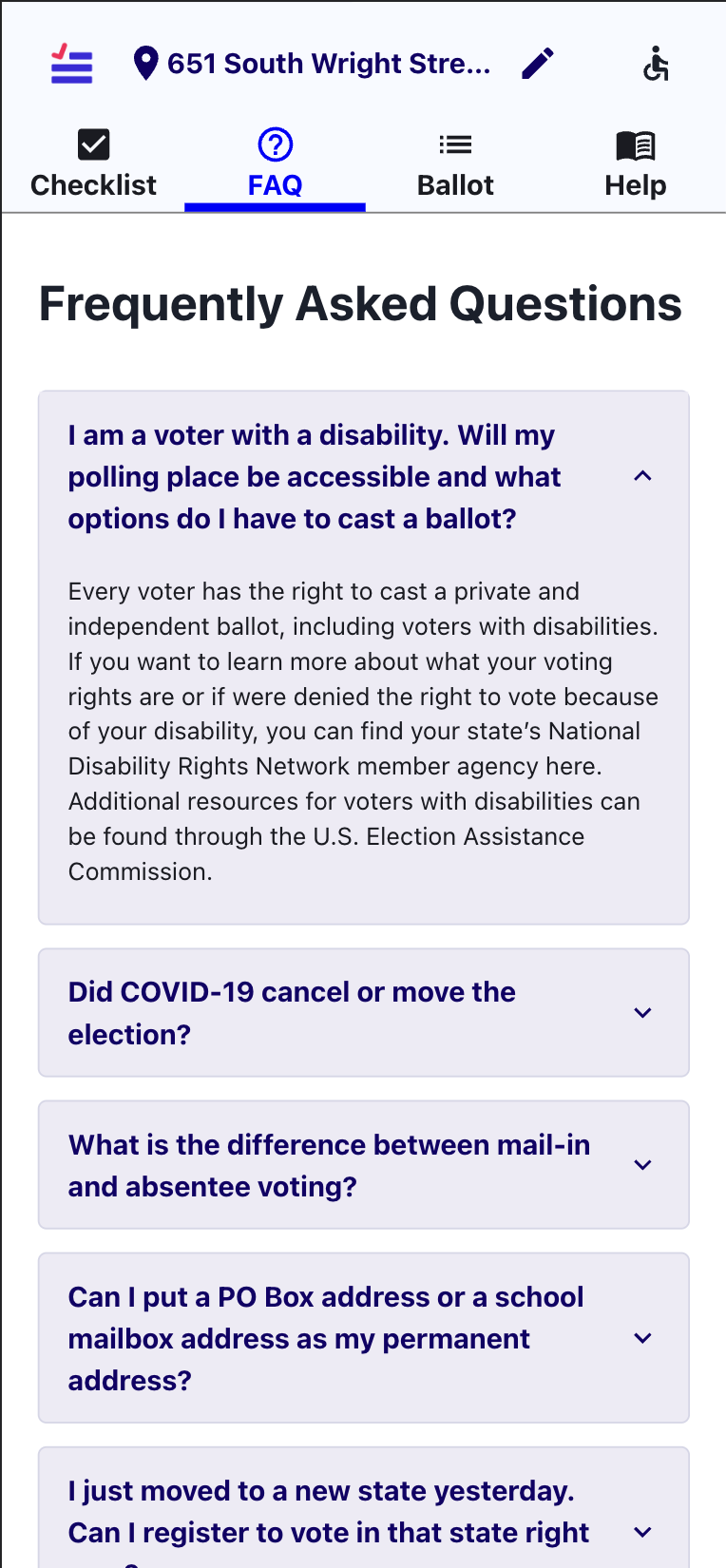
The voter FAQ page answers voter’s common questions about the voting process and any disability accommodations. It contains various dropdowns which answer all questions and potentially link to helpful external resources.
Help Page
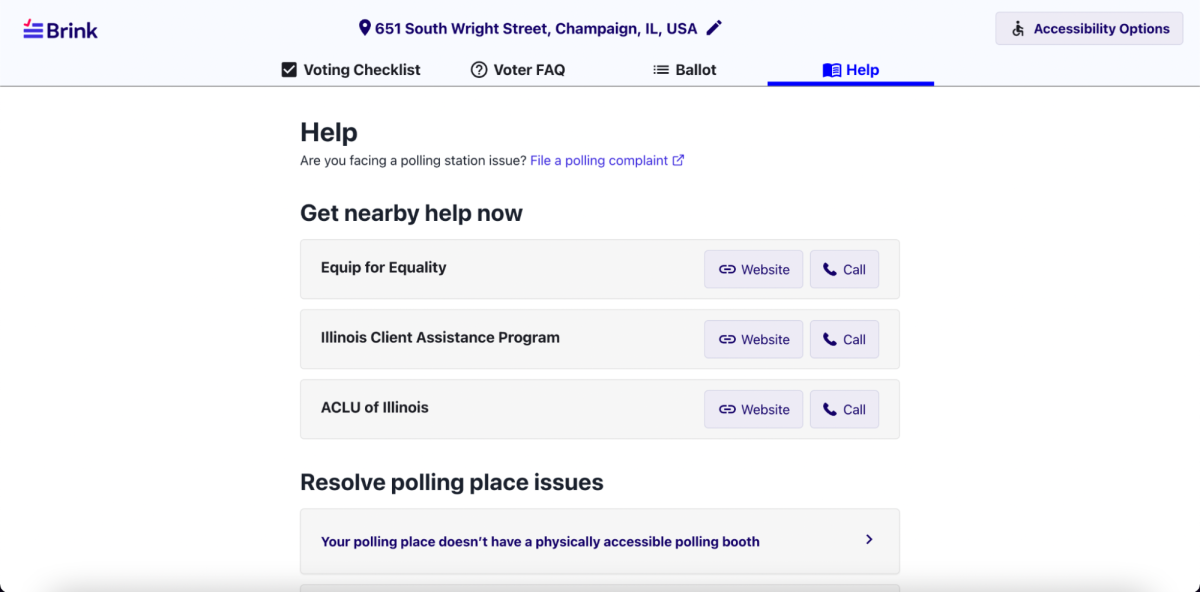
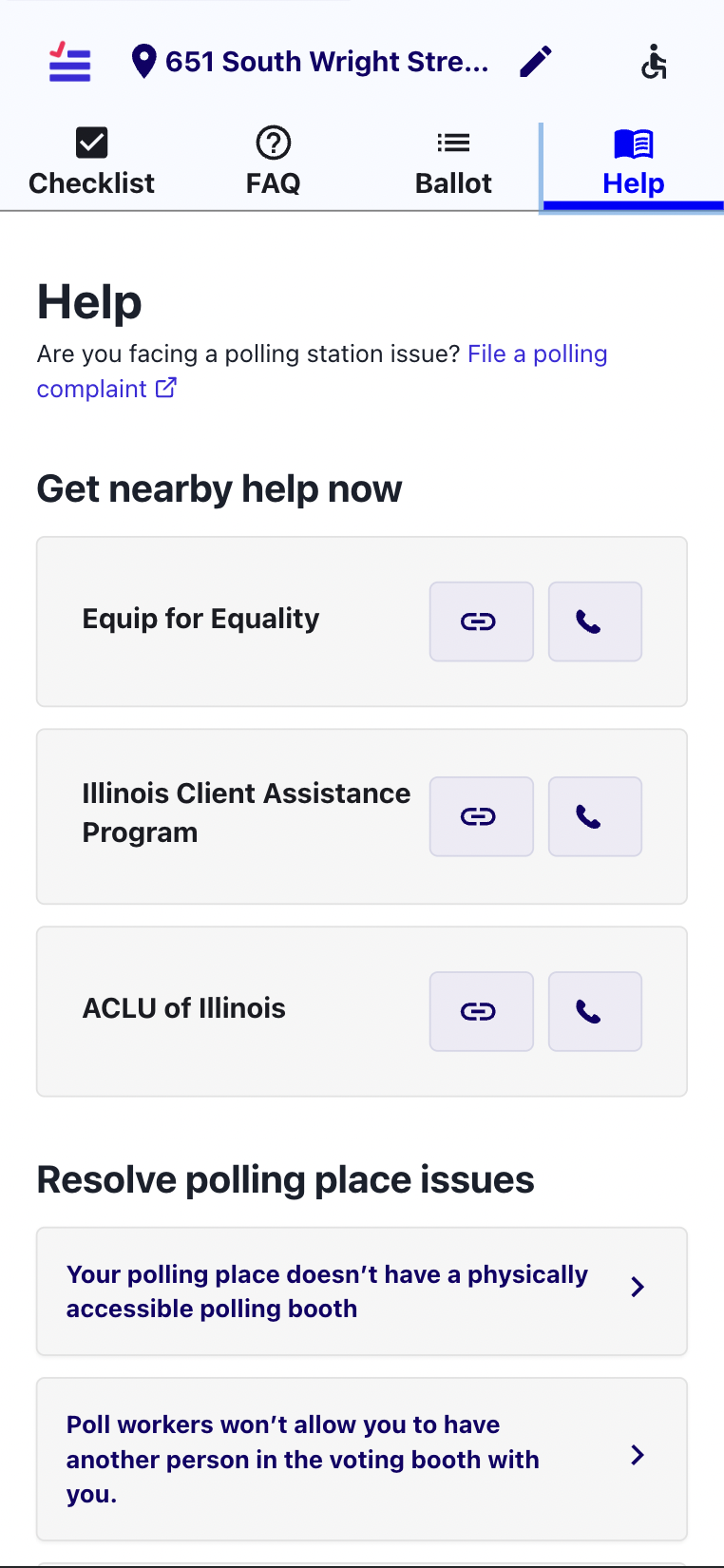
The help page helps voters navigate issues when actively voting. It offers a way to get in contact with nearby organizations by phone or website. Additionally, voters can learn more about how to respond to more common polling place issues with a pre-written script on this page, as well.
Accessibility Options
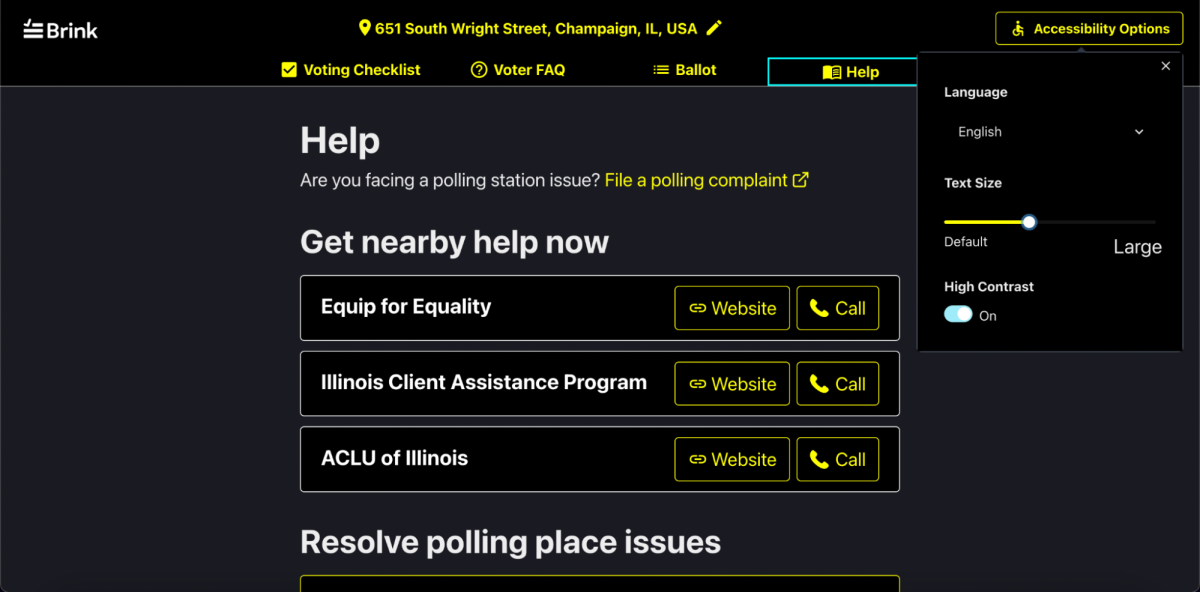
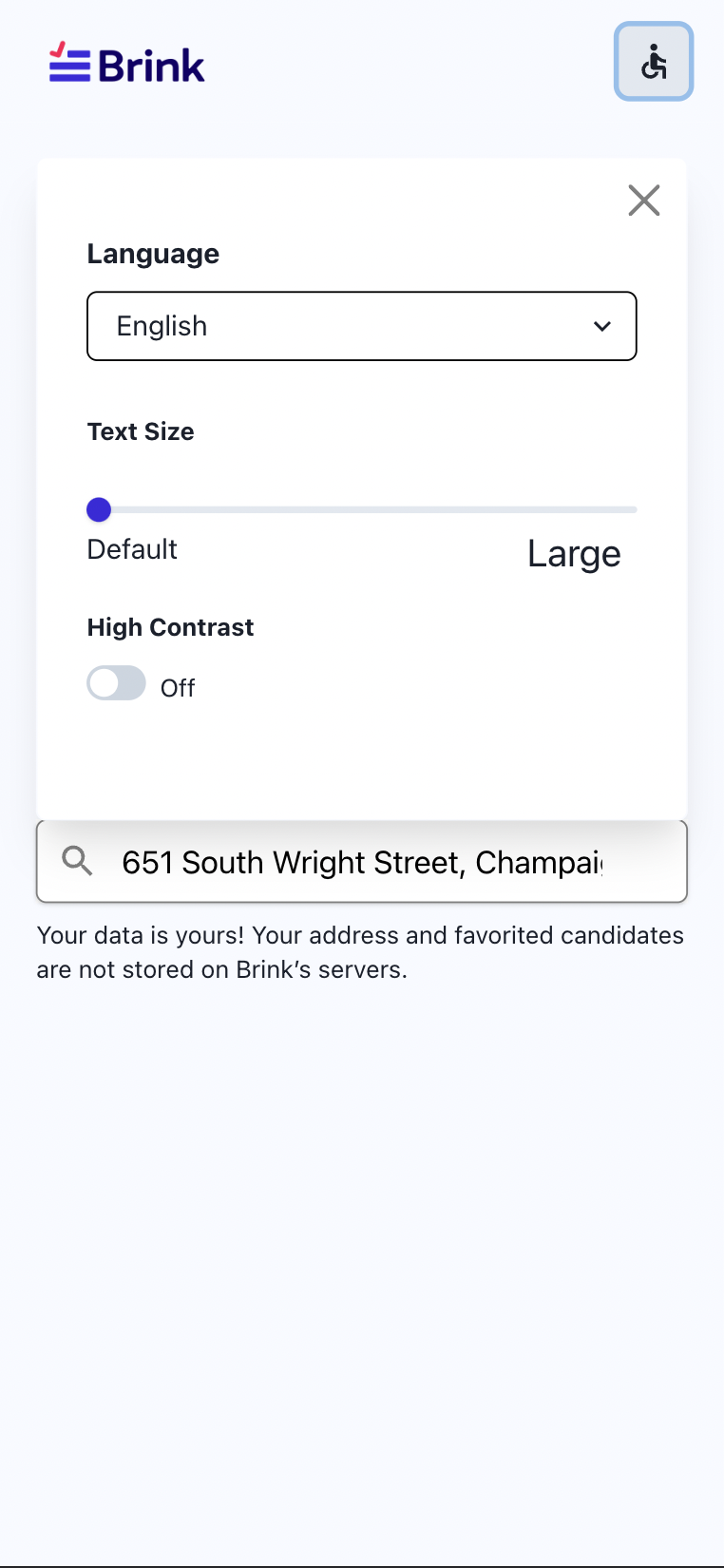
This is an accessibility modal containing all accessibility settings for the site, along with an option to change the language. Users can resize the text using a slider or toggle high-contrast on / off for the site.
Polling Locations
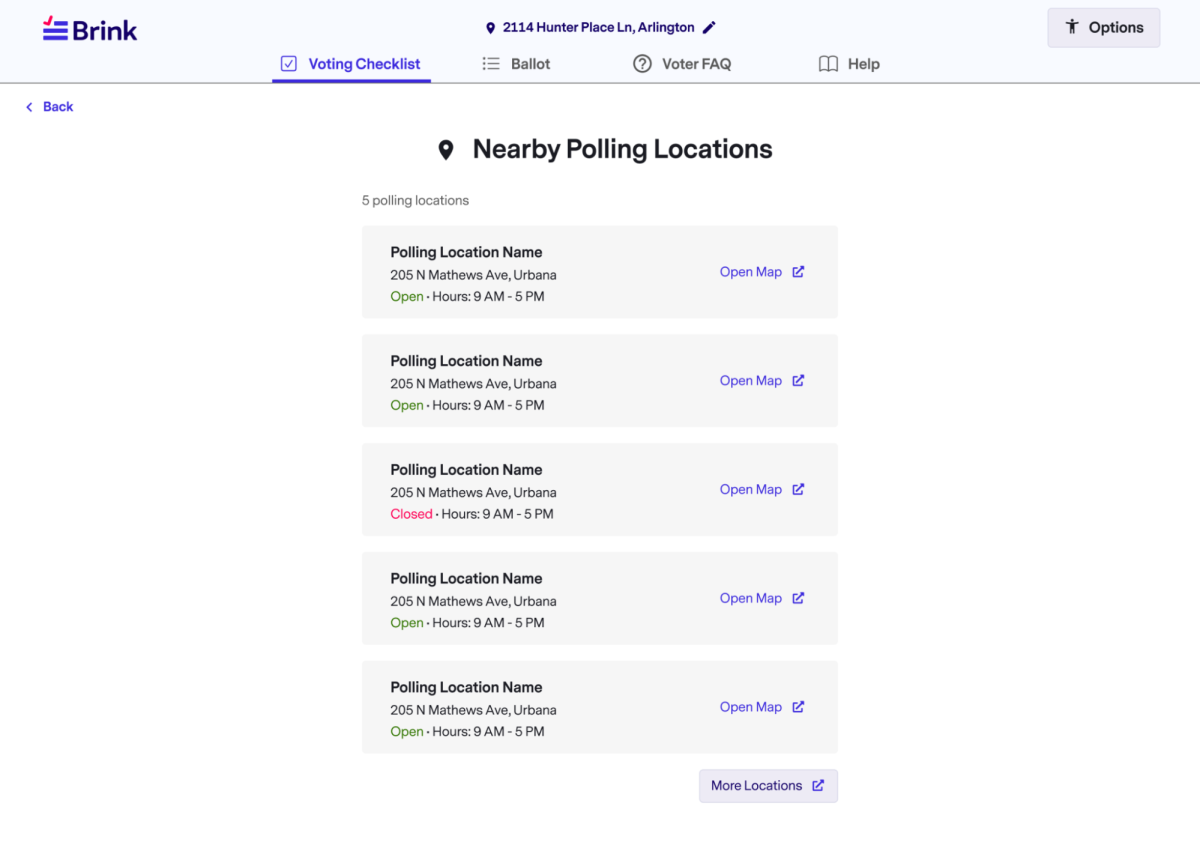
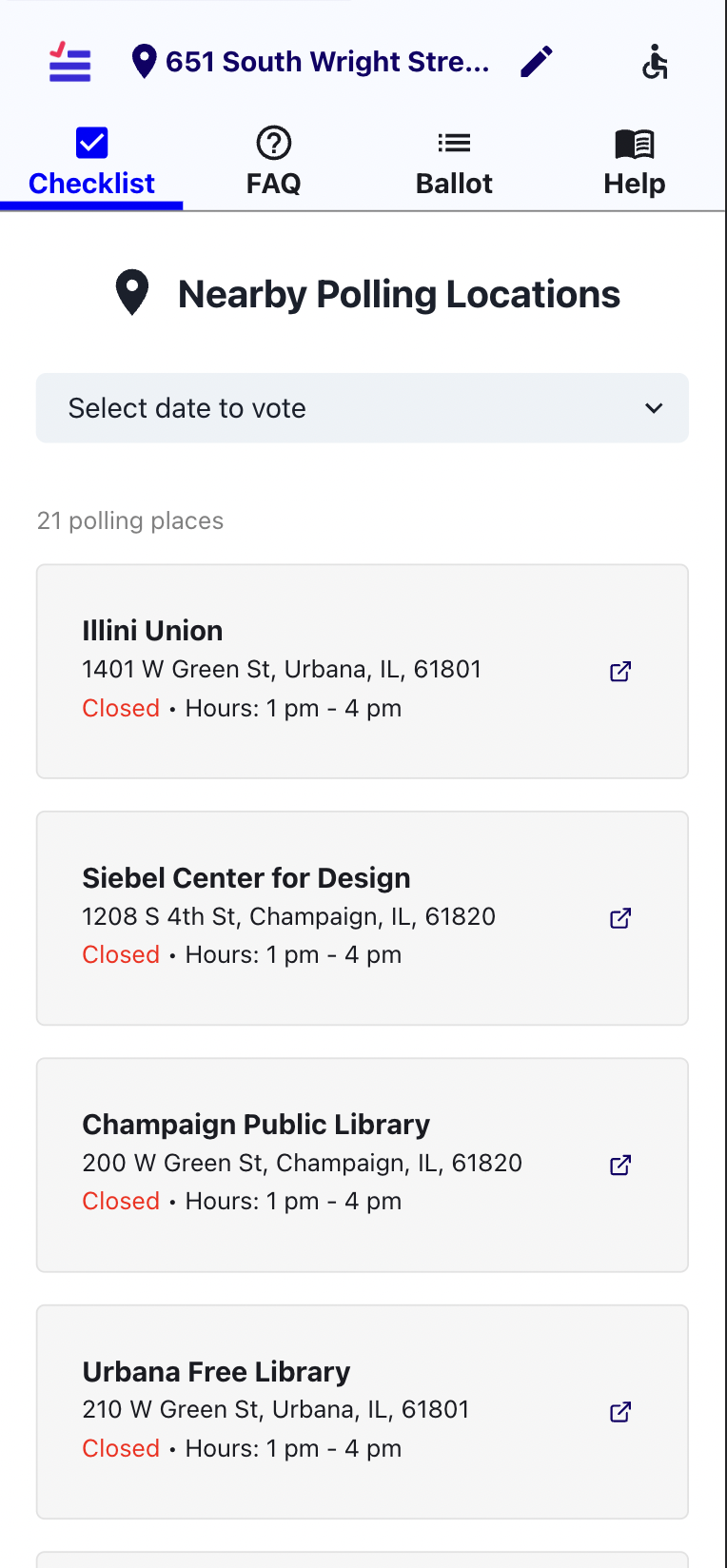
The nearby polling locations page displays the address and hours for all voting locations the user is registered to vote at. It also links to the location on Google Maps, so voters can easily retrieve directions.
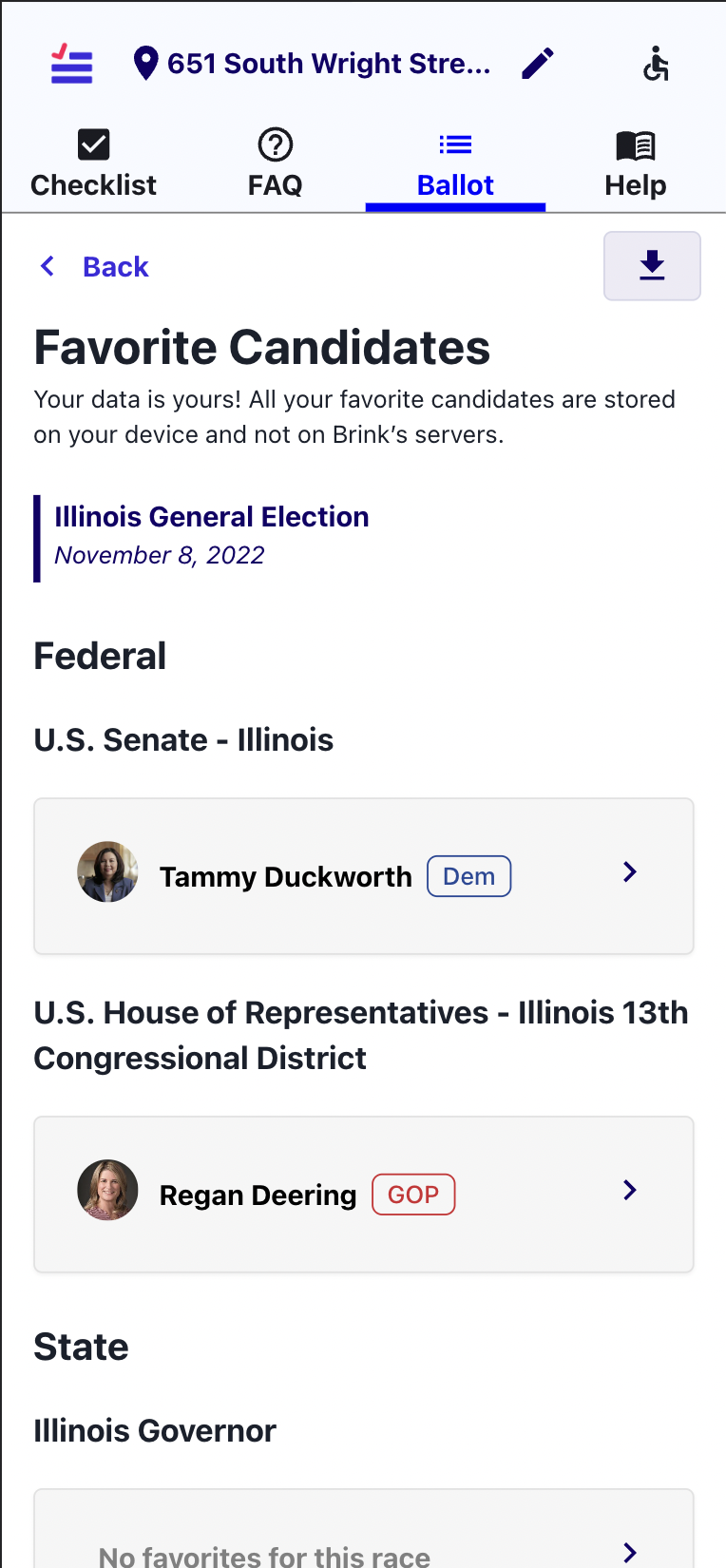
Favorites Page
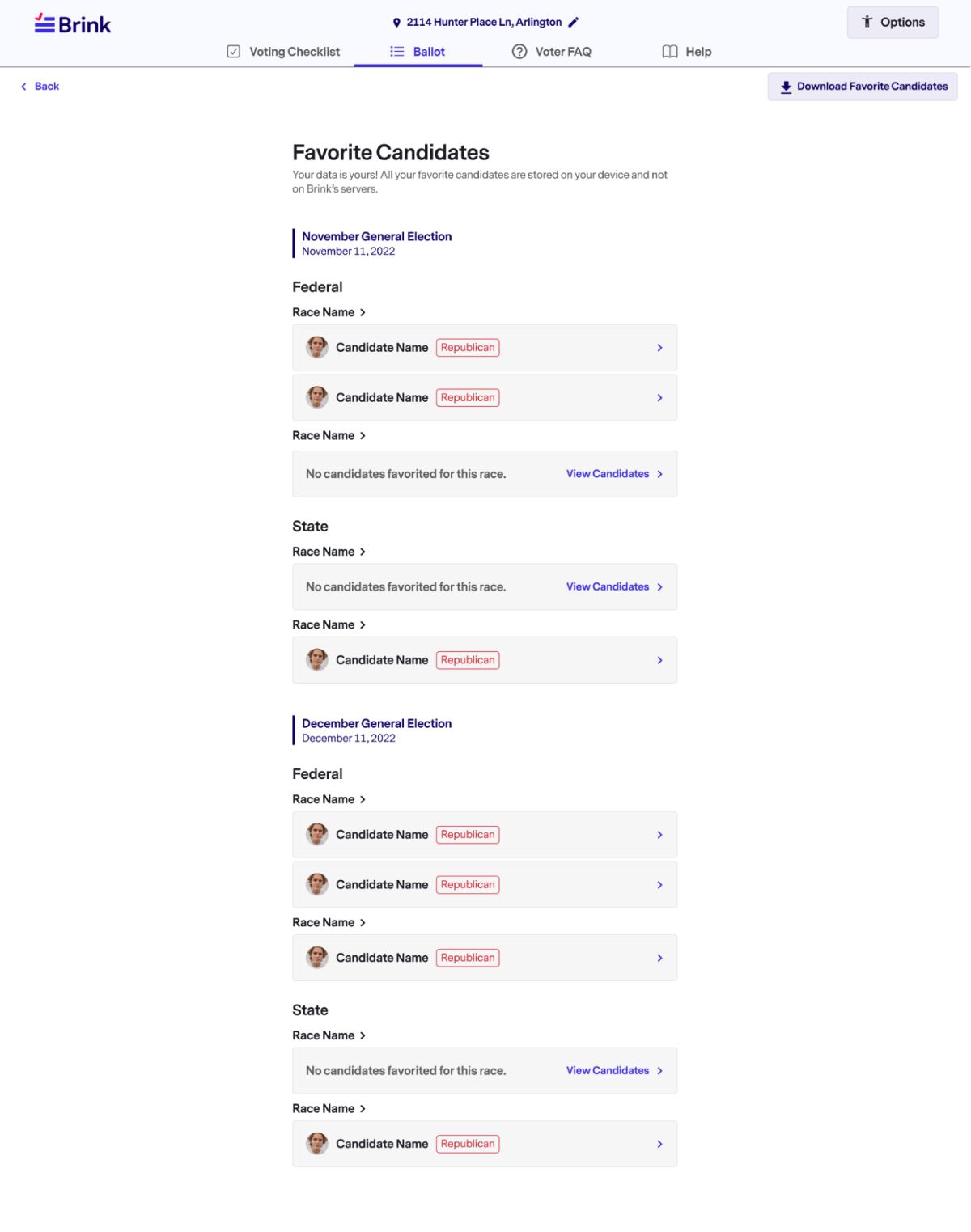
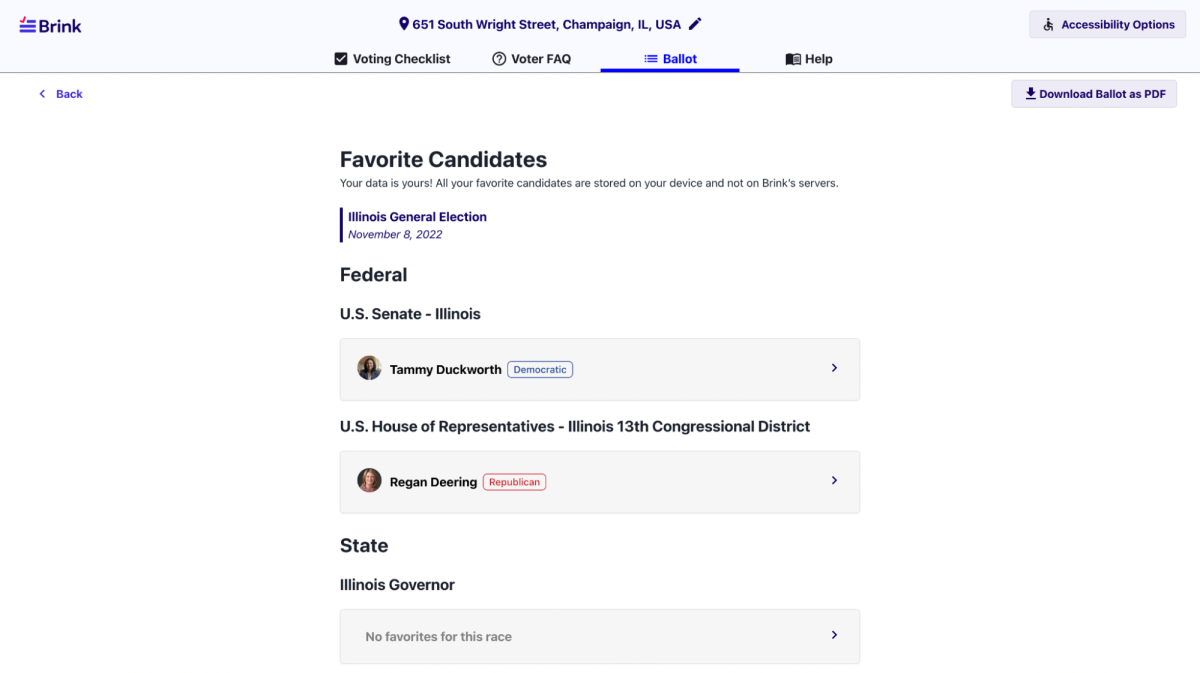
The favorites page stores all the voter’s starred candidates, as well as an option to star a candidate where none have been selected. Additionally, it offers the ability to print out starred candidates for voters to take with them to their polling place.
Analytics
To preserve anonymity and keep voting preferences confidential, we only tracked information which helps us improve user experience across the site and understand what information is useful and interesting to voters. This included seeing how many candidates they clicked on, whether they explored candidate social media or websites, or learned more about a candidates views through endorsements on the candidate page all while never tracking what specific candidate a person viewed. Additionally, we kept track of clicks on the FAQ and help pages in order to better understand what kind of questions voters more commonly have in order to better display our information.