Problem
KadaKareer, a Phillipine-based non-profit organization, noted a significant opportunity for improving the administration and user experience of their Virtual Apprenticeship program. The program, offering students real-world corporate challenges, was dispersed over various third-party platforms. While functional, the multiple-platform system posed challenges both for the students trying to navigate the program and the volunteers at KadaKareer who were tasked with managing the program’s content and tasks.
Solution
We collaborated with KadaKareer to create a unified, user-friendly web application that streamlines the entire Virtual Apprenticeship program. The new platform enables students to register, explore challenges, enroll, and submit their assignments all in one place. It also provides KadaKareer’s volunteers with an efficient system to manage corporate partnerships, upload content, and manage challenges.
Design
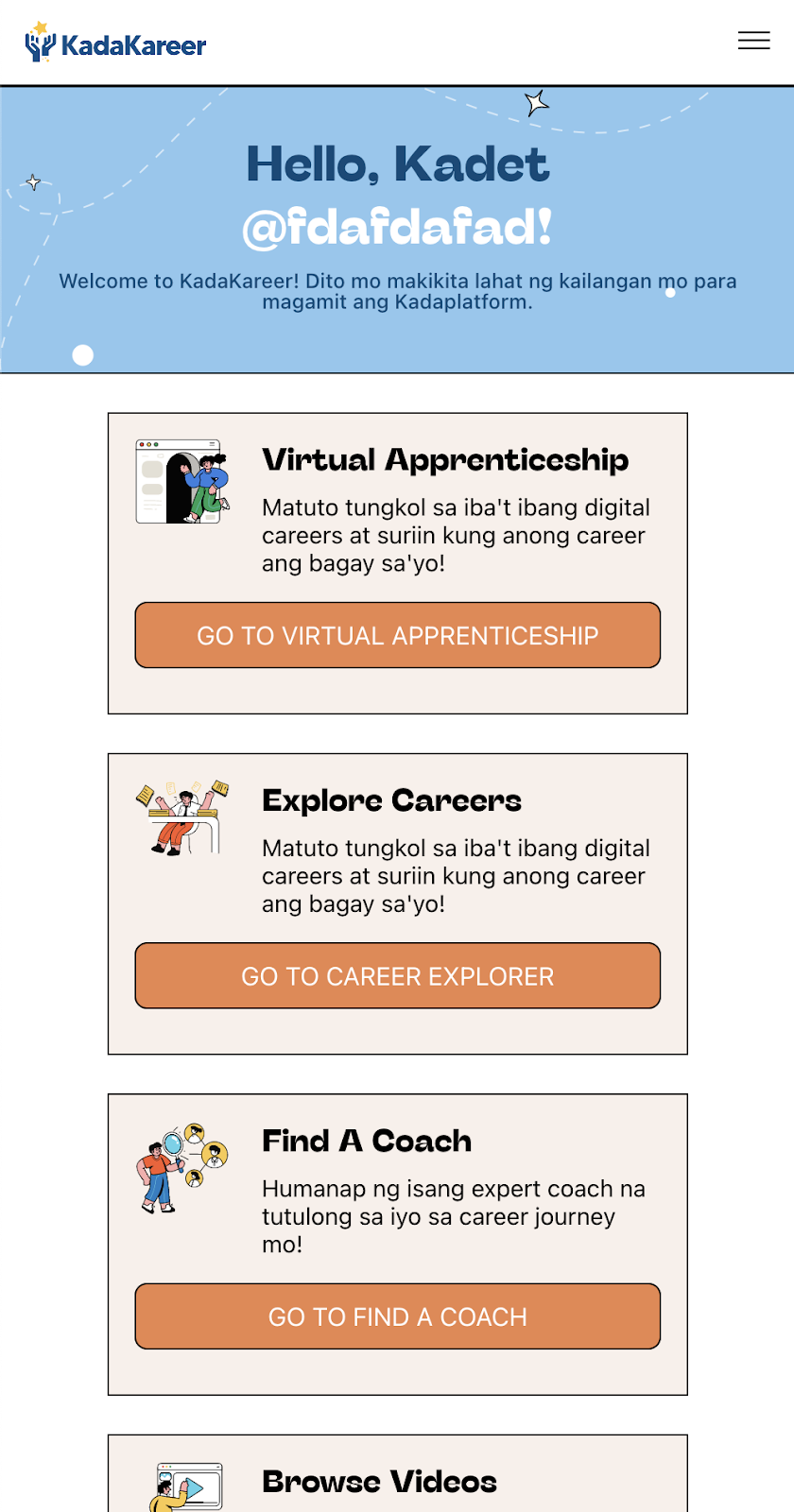
The design aims at providing a seamless experience for both students and KadaKareer volunteers. The main components include the home page, the challenge marketplace, and the challenge dashboard. The home page has redesigned cards that guide users to various KadaKareer services, while the challenge marketplace allows easy exploration and filtering of challenges.
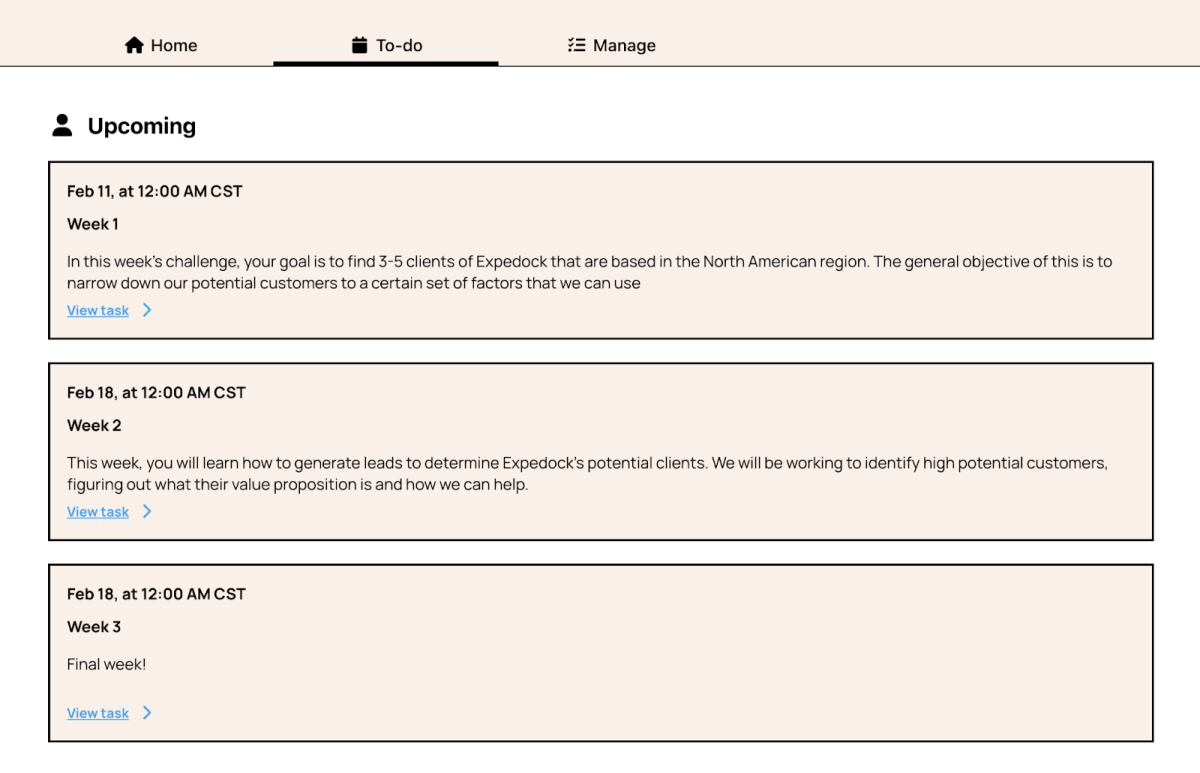
The challenge dashboard facilitates interaction with a challenge, allowing users to sign up, manage their challenge participation, track progress, and complete weekly tasks. Additionally, a calendar feature was added to help users track immediate tasks or events.
Tech Stack
Our team utilized a tech stack consisting of React for the frontend and Nest.js for the backend. For content management, we integrated Contentful, a flexible headless CMS, allowing KadaKareer’s volunteers to readily update content. This resulted in a user-friendly, performance-driven application accessible across various devices.
Features
VirApp Entrypoints
The VirApp Entrypoints feature enables users to navigate through KadaKareer services via redesigned cards on the Home Page, including a "Go to Virtual Apprenticeship" button, which redirects users to the Challenge Marketplace.
Challenge Marketplace
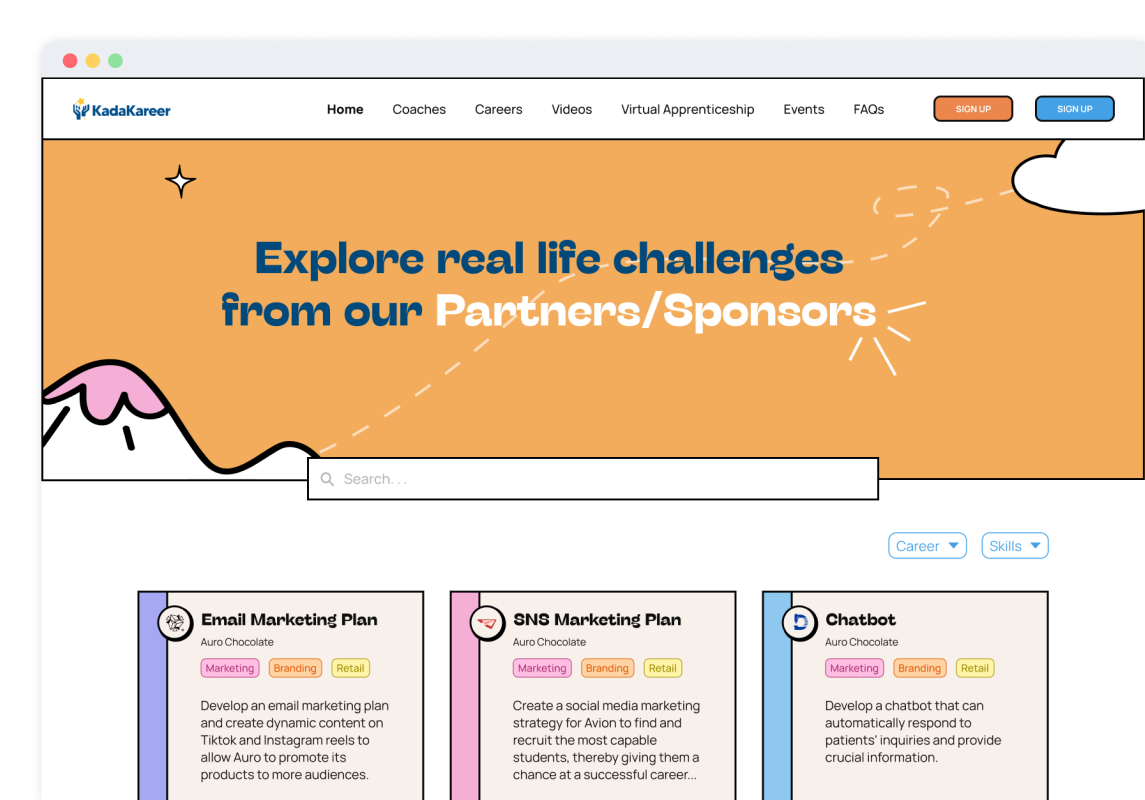
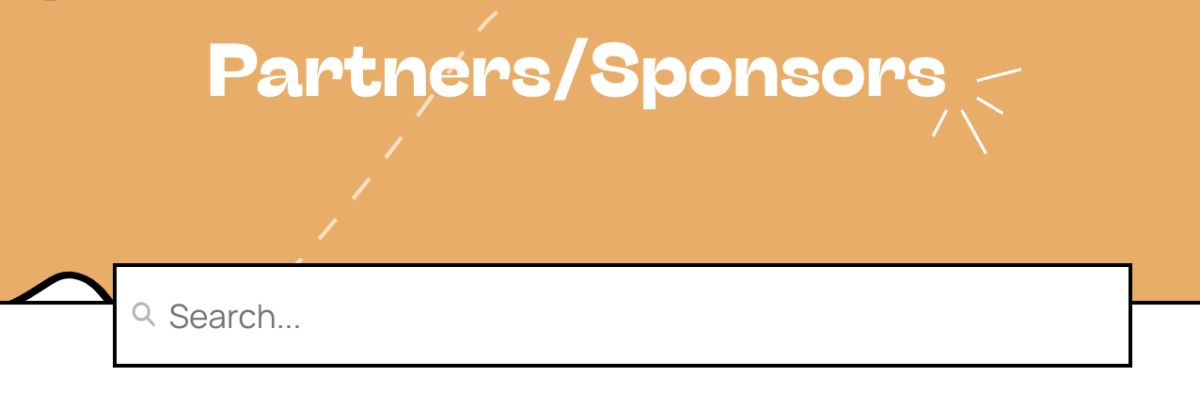
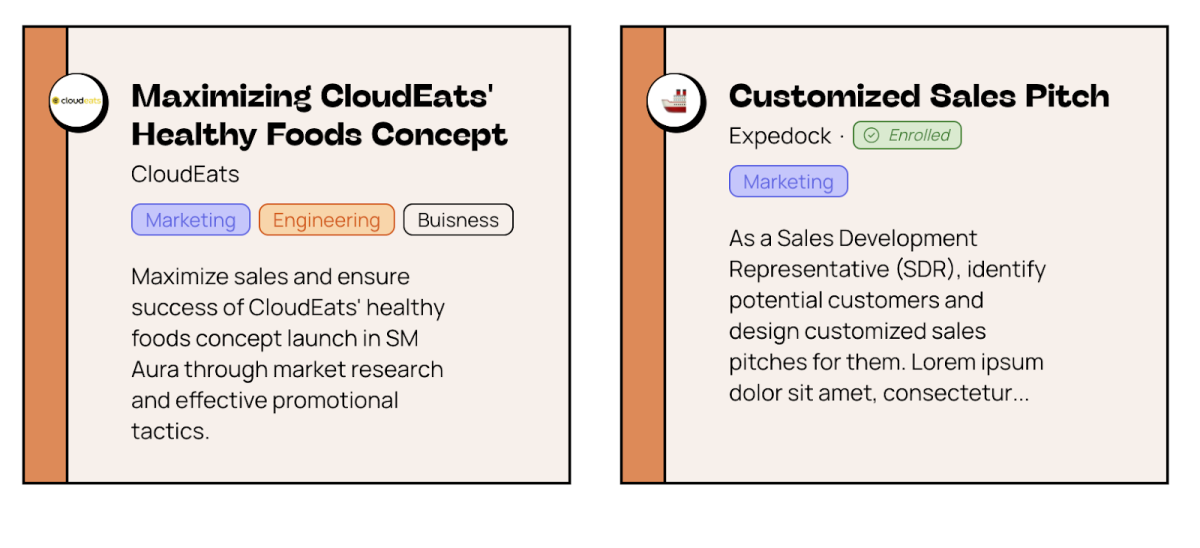
Within the Challenge Marketplace, students can explore challenges and adjust the listing based on their skillset and needs. The search bar allows them to filter through information on challenge cards via a powerful full-text tag-aware search. Within each challenge card, the title, corporate partner name, logo, skills tags, and challenge description are all displayed to give students a sense of the challenges available to them.
Challenge Dashboard
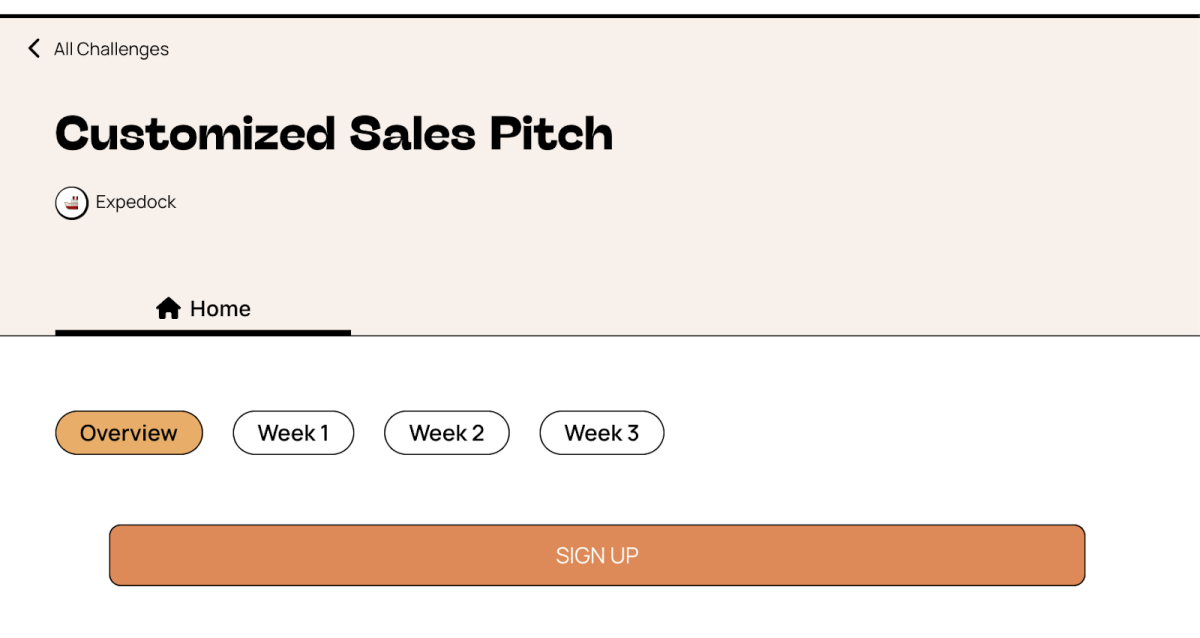
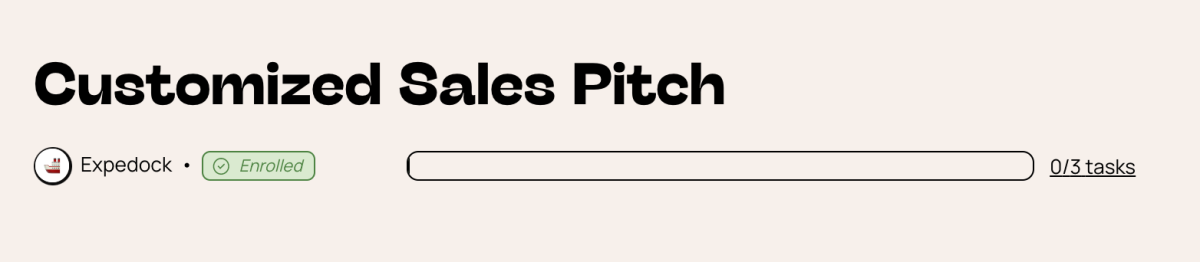
The Challenge Dashboard offers a user-friendly interface for signing up, managing, and interacting with challenges. It features a progress bar on the header that allows tracking of challenge progress, and contains several menu items like Home, Manage, and Calendar to ease user navigation and management. Tracking progress is an important addition that helps students manage their place in multiple courses at a time.
Challenge Enrollment
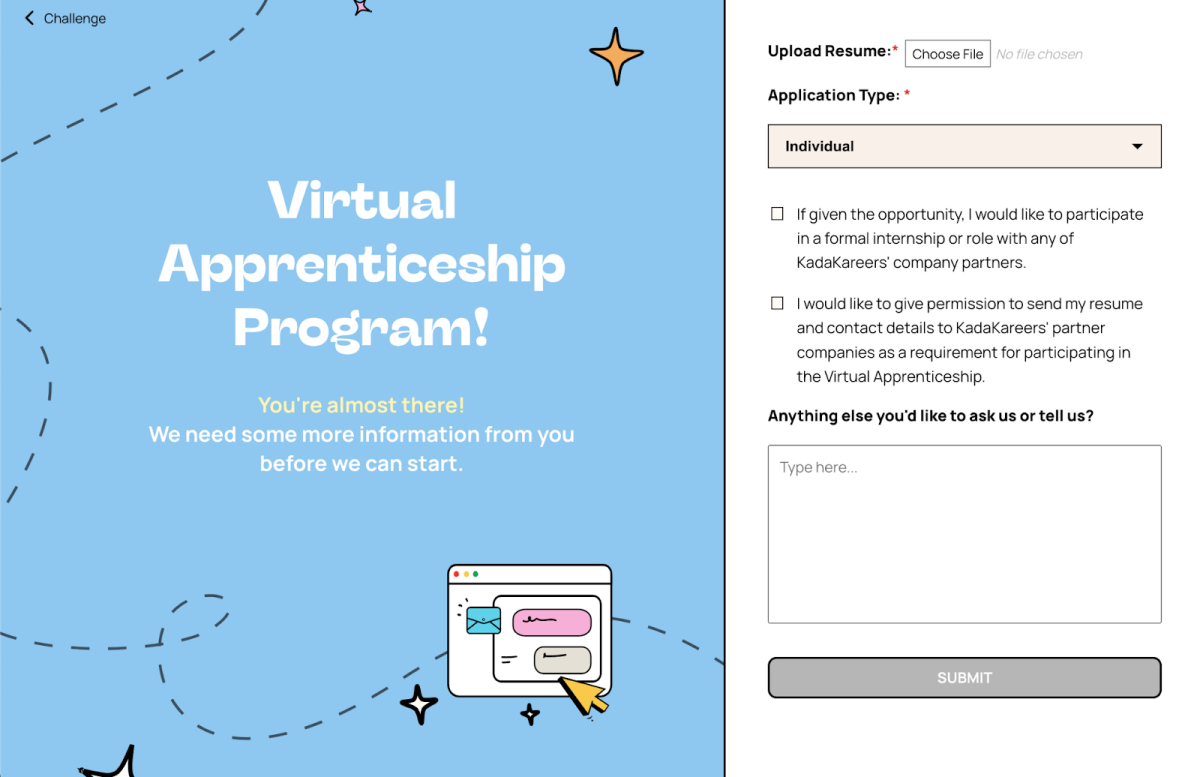
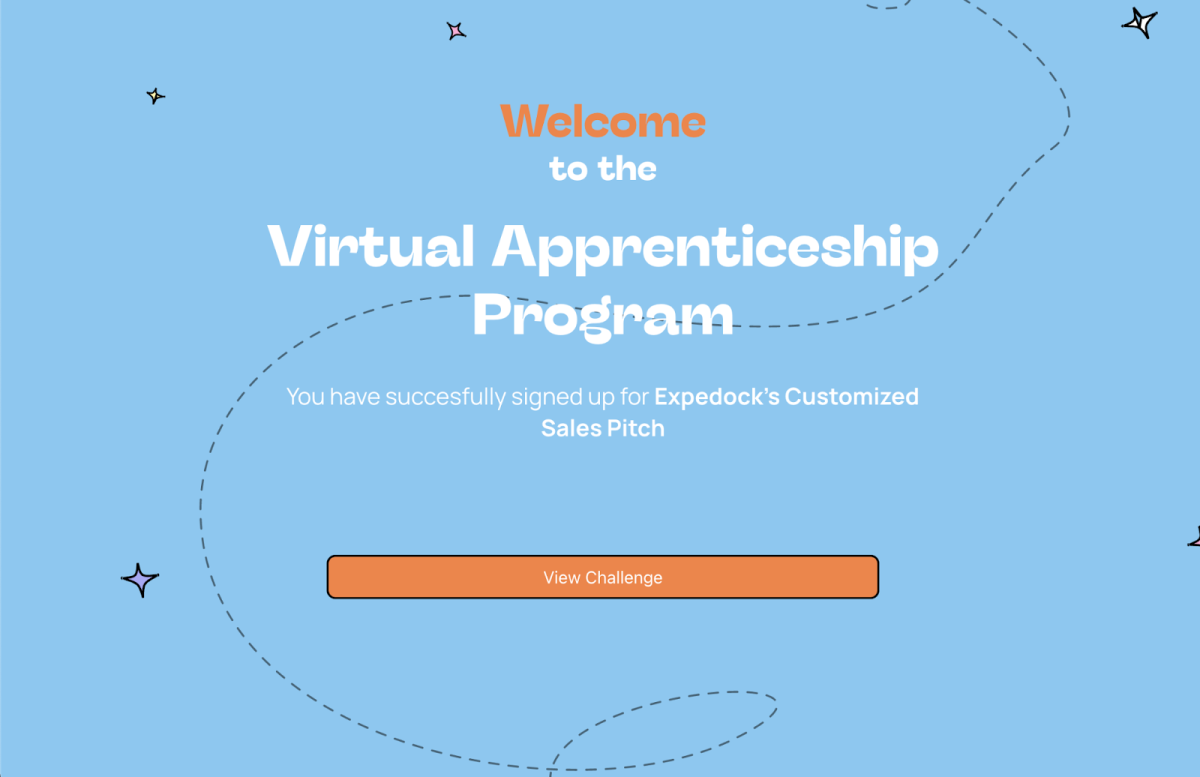
Through Challenge Enrollment, users can sign up for challenges individually or as a group, with potential members receiving sign-up notifications in the case of group challenges. Once signed up, users can start going through tasks and making submissions.
Dashboard Menu
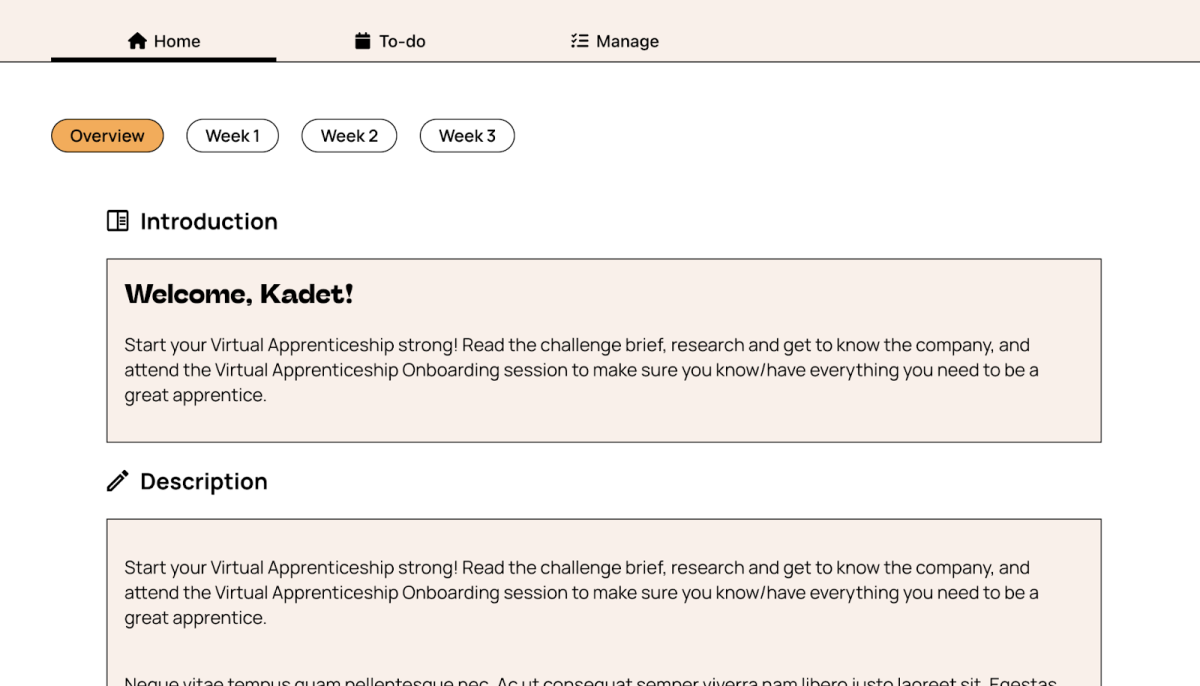
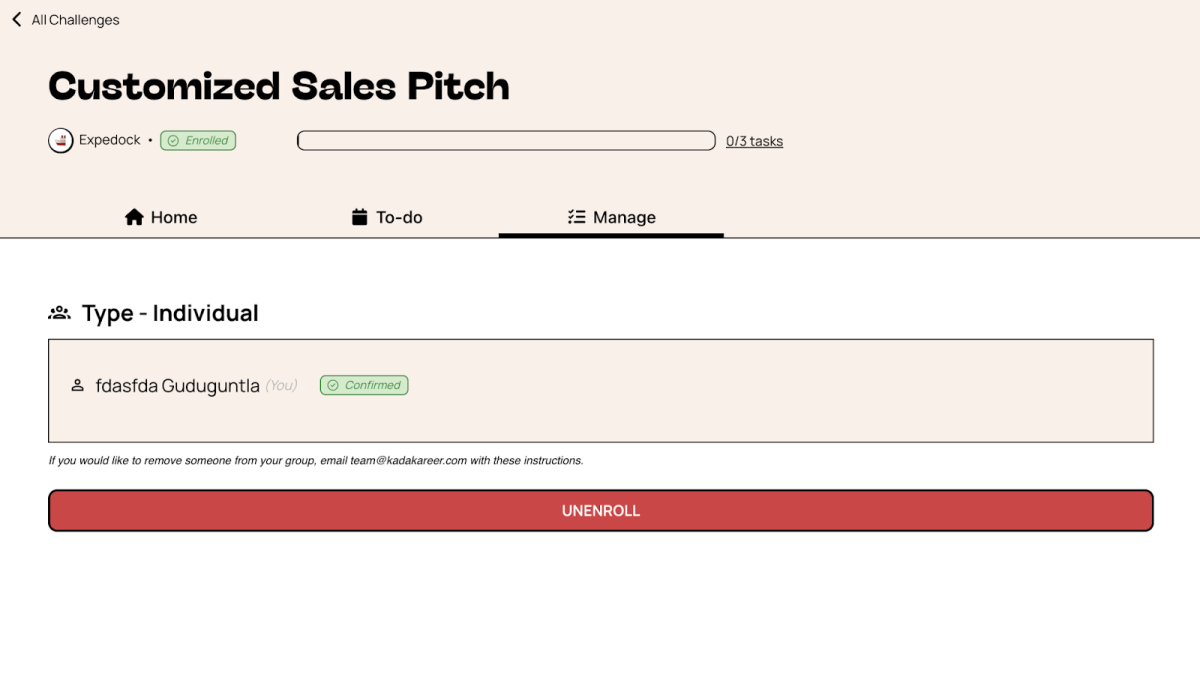
The Dashboard Menu is divided into several sections. "Home" contains all the main content for a given challenge and allows toggling between weeks of content as well as submitting completed tasks. "Manage" serves as the settings page for a challenge, allowing users to view their enrollment details and unenroll if desired. "Calendar" displays immediate tasks or events for the challenge, helping users stay on track and providing a platform for KadaKareer volunteers to organize events.
Toggle Weekly Tasks
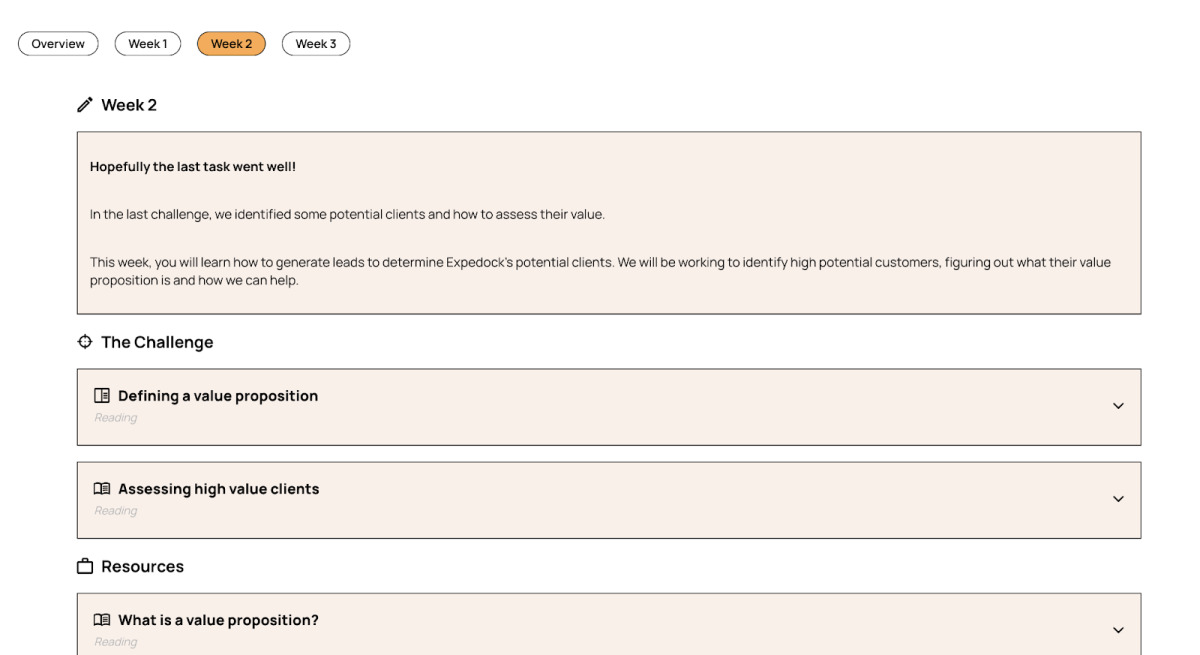
Users can choose their active week from a row of buttons at the top of the Home page in the dashboard, marking their progress in the challenge. Additionally, the URL of the webpage is updated to reflect the active week, enabling the sharing of progress with others who can then access the exact same week's content with the URL.
Weekly Breakdown
Each week is divided into a series of modules with relevant information, text, and resources in the Weekly Breakdown, where KadaKareer volunteers have the ability to populate the content via Contentful, using rich text to preserve formatting.
Task Submission/Editing
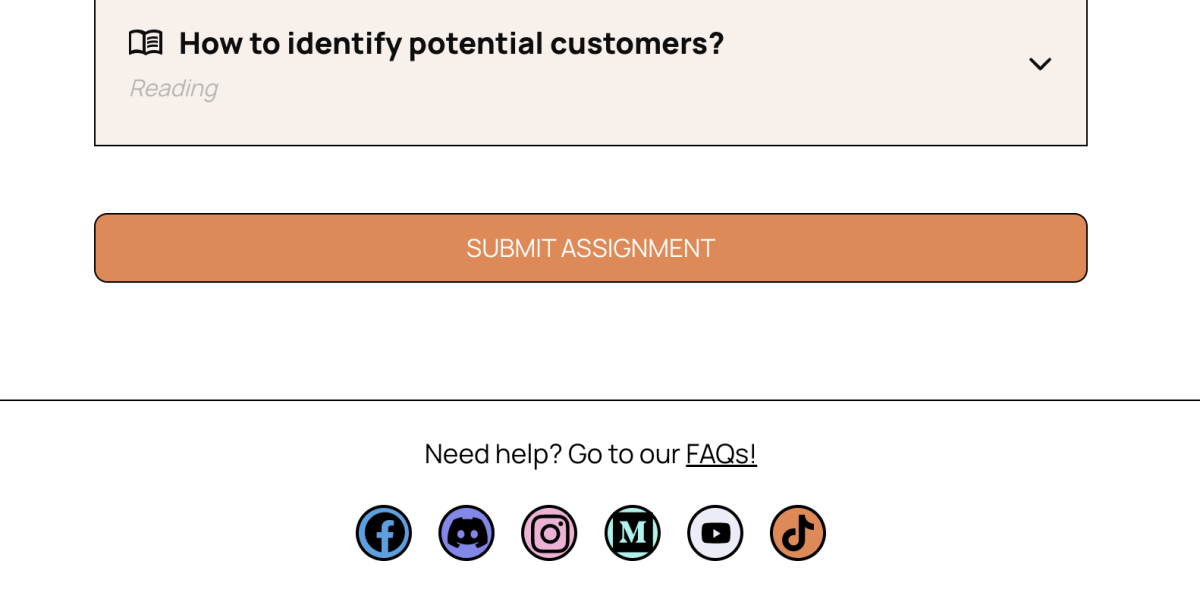
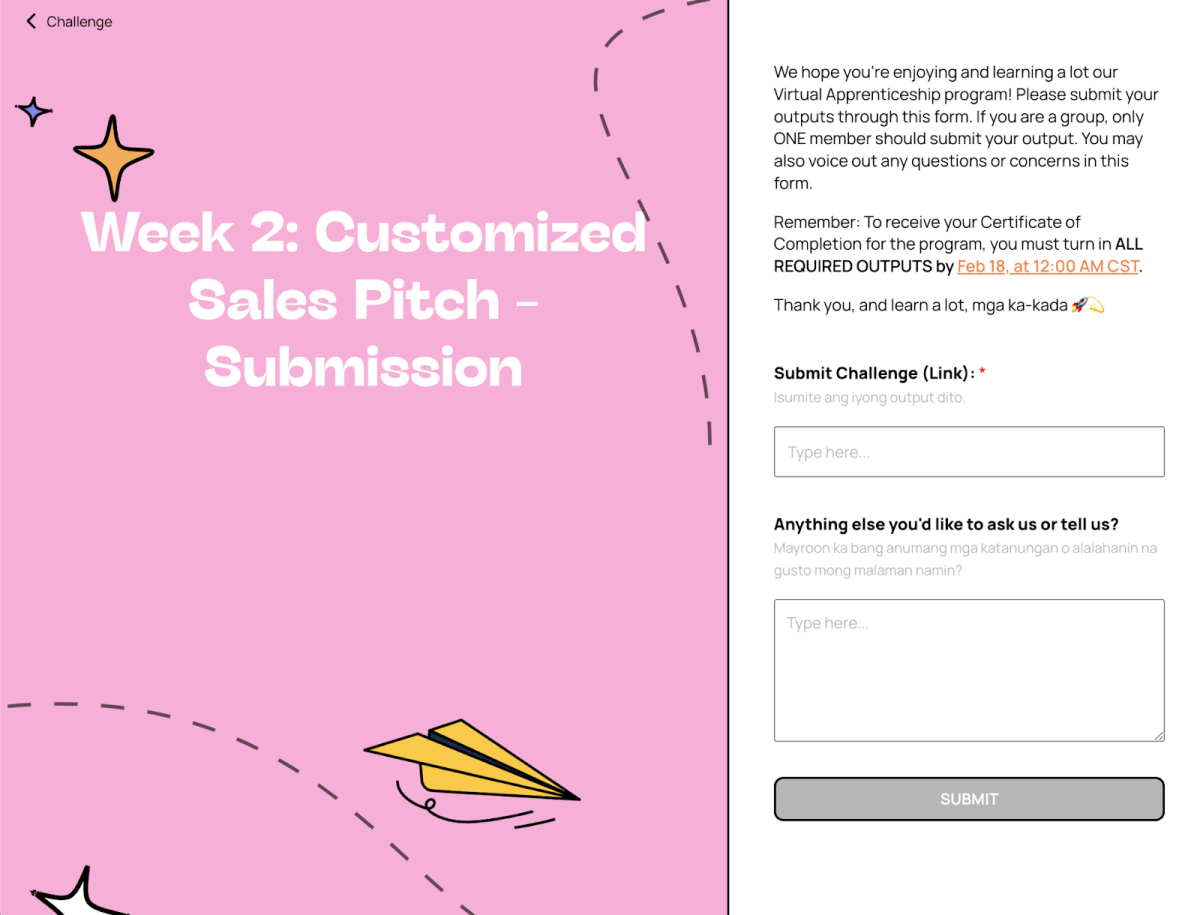
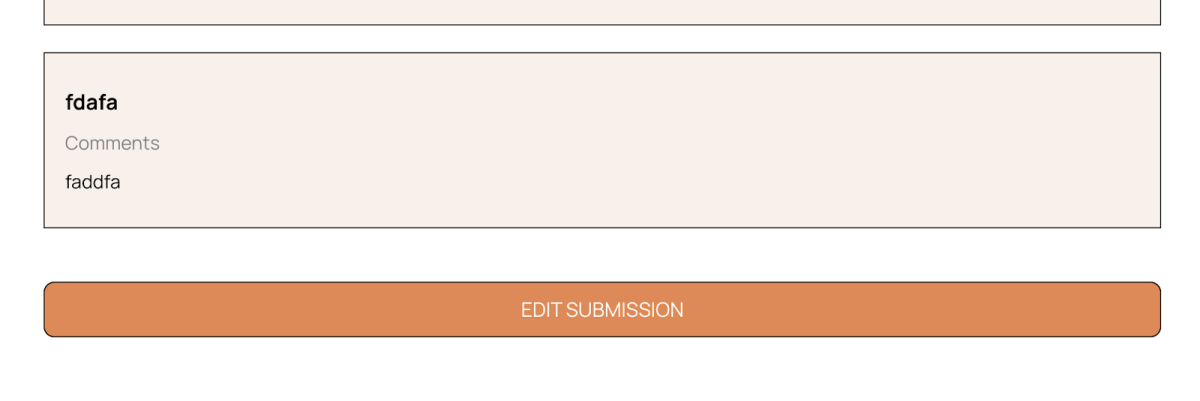
Each week includes a task that marks completion upon submission. Users can submit the completed work through a button at the end of the week. Moreover, they can view and edit their submitted tasks if required, with pre-populated data in the submission form for convenience.